
Figma
DesignWhere nearly all of my product design work lives, from flows to design systems.
Best for: Design, prototyping and design systems
Free planVisit Figma
The design, AI and creator tools I use and recommend as a Lead Product Designer. Free plans and perks are flagged, and I update this page every month.
Disclosure: some links on this page are affiliate links. If you sign up or buy through them I may earn a commission, at no extra cost to you. I only list tools I use or would genuinely recommend. As an Amazon Associate I earn from qualifying purchases.
Pick a category, or scroll. A “Free plan” pill means the tool has a free tier you can start on today.
Where the design work actually happens, from first screen to live site.
Where nearly all of my product design work lives, from flows to design systems.
Best for: Design, prototyping and design systems

Figma's node-based canvas for AI imagery, video and audio, with real control over each step.
Best for: Designers exploring AI visuals with process

Real app screens and flows, searchable. I walk through its MCP in my 5 MCPs video.
Best for: UX patterns and competitor research

Premium UI kits and templates. I sell a kit here too, and its MCP is in my 5 MCPs video.
Best for: Production-ready UI kits and templates

Go from a design to a live, animated site without writing code.
Best for: Portfolios and marketing sites

The step up when a site needs a CMS, logic and full control.
Best for: Client sites and content-heavy builds

AI sitemaps and wireframes that drop into Figma or Webflow.
Best for: Fast site structure and component kits

Interactive 3D and 2D for the web and apps, with an MCP of its own.
Best for: 3D hero visuals and interactive UI
The AI tools and MCP-friendly apps behind my workflows.

My go-to for design thinking, flows, critique and building artifacts.
Best for: Strategy, UX flows and prototyping with MCPs
Where I connect MCPs and turn designs into working code.
Best for: Design-to-code and MCP setups

Voice cleanup, music and voices for my videos.
Best for: Voiceovers, dubbing and clean audio
Prompt to working app, handy for testing an idea with real users fast.
Best for: Quick, testable product prototypes

Vercel's prompt-to-UI tool that outputs React components.
Best for: Turning a screen idea into front-end code
Courses and programs I'd point a junior designer or student to.

Verified students and teachers get Figma's paid features free.
Best for: Students and teachers

Structured UX and UI courses with certificates, good if you're starting out.
Best for: Beginners building UX foundations

Structured paths such as the Google UX Design certificate.
Best for: Career changers who want a clear syllabus

Live cohort courses taught by working designers and AI builders.
Best for: Hands-on, accountability-driven learning
What runs the channel, the newsletter and client-ready assets.

The email platform behind my newsletter.
Best for: Creators building an email list
Edit audio and video by editing the transcript.
Best for: Fast talking-head and tutorial edits

One subscription for templates, mockups, music and stock video.
Best for: Freelancers who need assets on tap

Fonts, mockups and templates from independent creators.
Best for: Distinctive type and brand assets
The laptop, camera, mic and teleprompter I record and edit with.
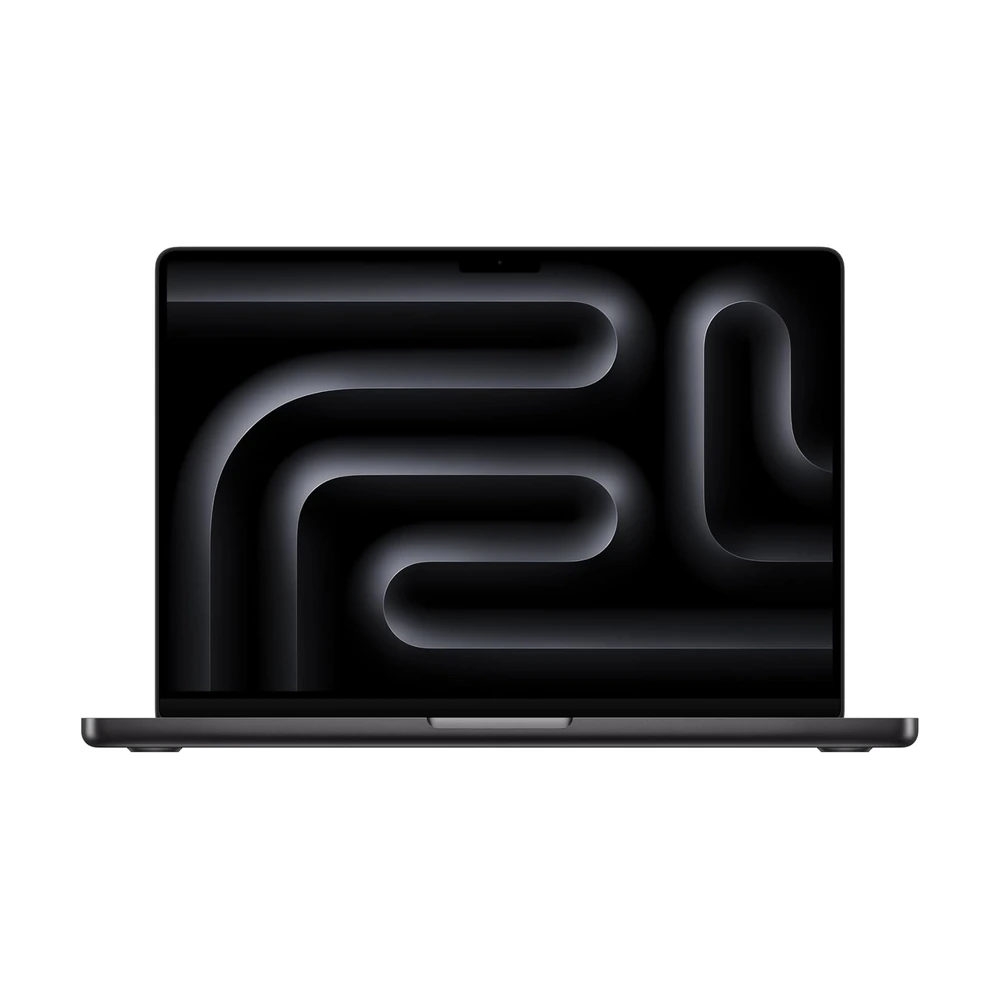
The machine I design and edit on. This listing is the current 14-inch model with the M6 chip, in Space Black, 24GB memory and 1TB storage.
Best for: Design, AI work and editing on the go
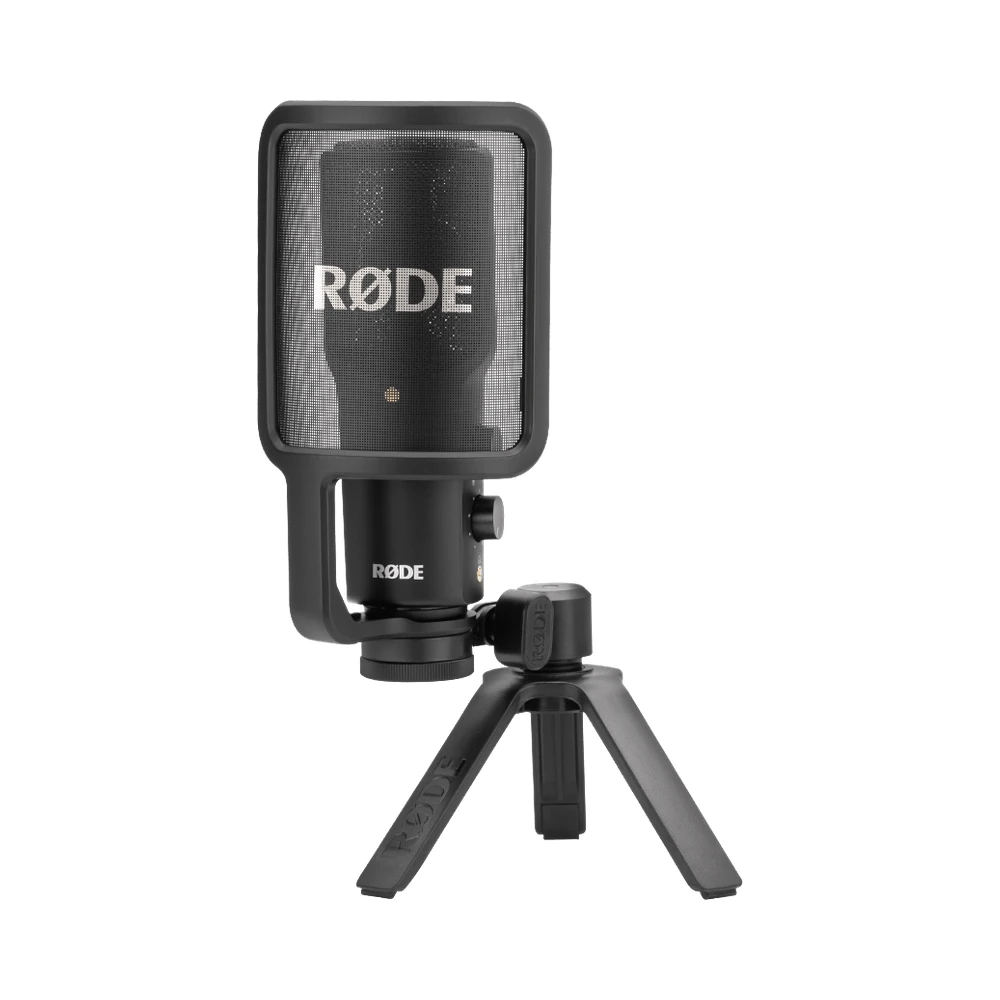
The USB mic I use for voiceover. Studio-quality condenser sound, simple USB setup, with a pop filter and desk stand in the box.
Best for: Voiceover, tutorials and podcasting
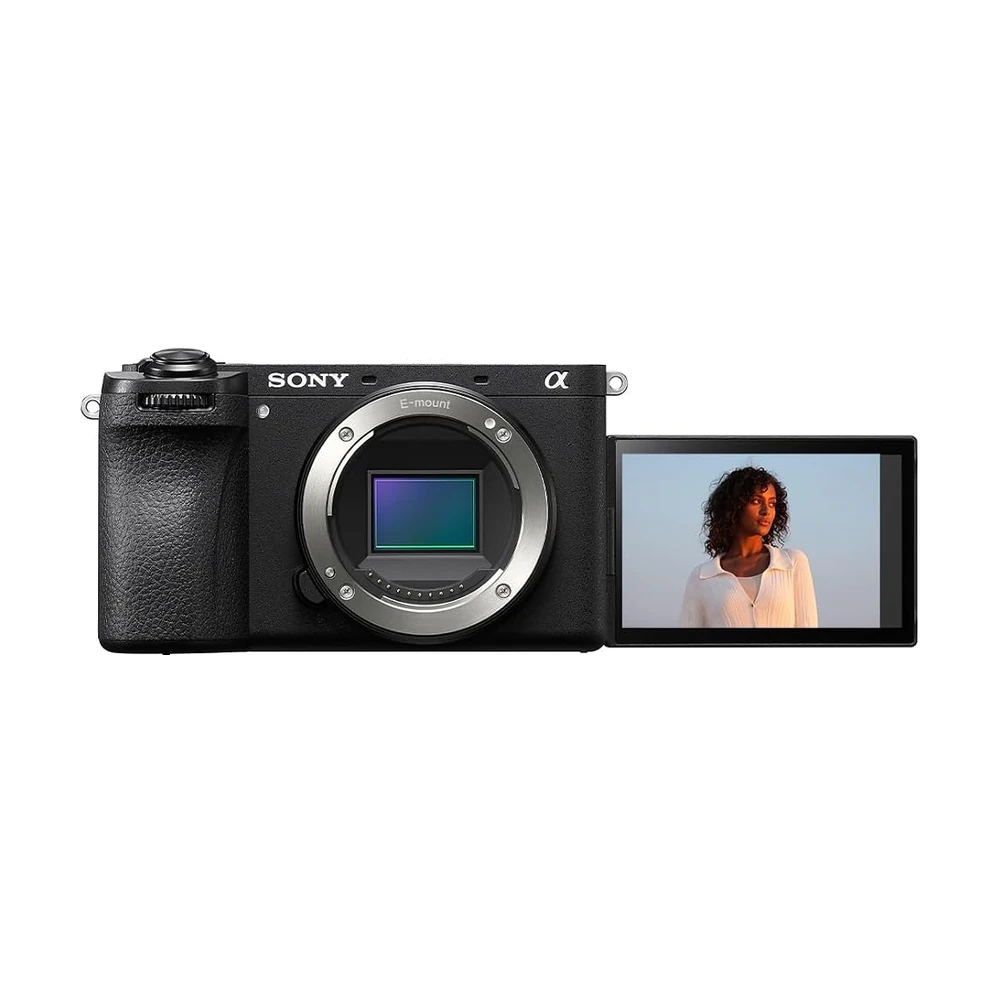
The APS-C camera I record talking-head and desk videos with. Compact, sharp 4K, and it takes Sony's cable-free MI-shoe mics.
Best for: YouTube talking-head and product shots
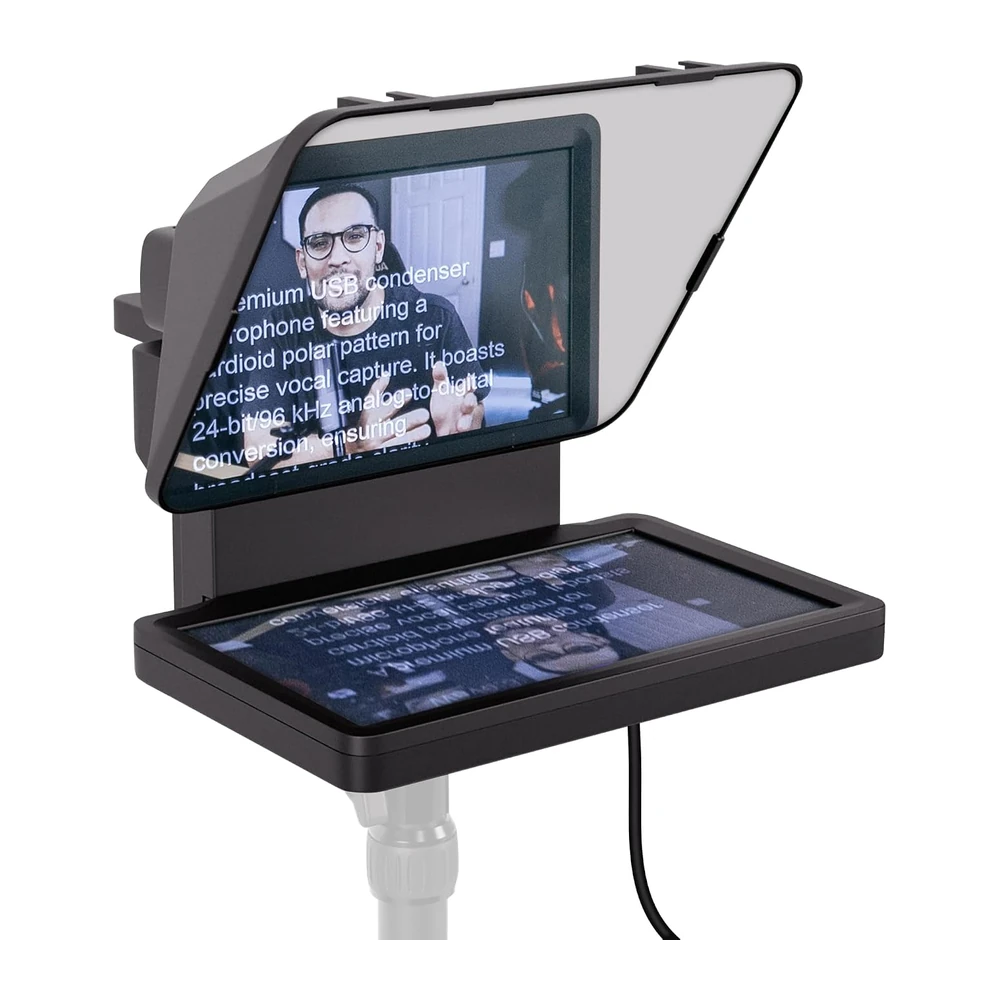
A teleprompter with a built-in 9-inch screen, so I can read a script while looking into the lens. No separate tablet needed.
Best for: Scripted talking-head videos
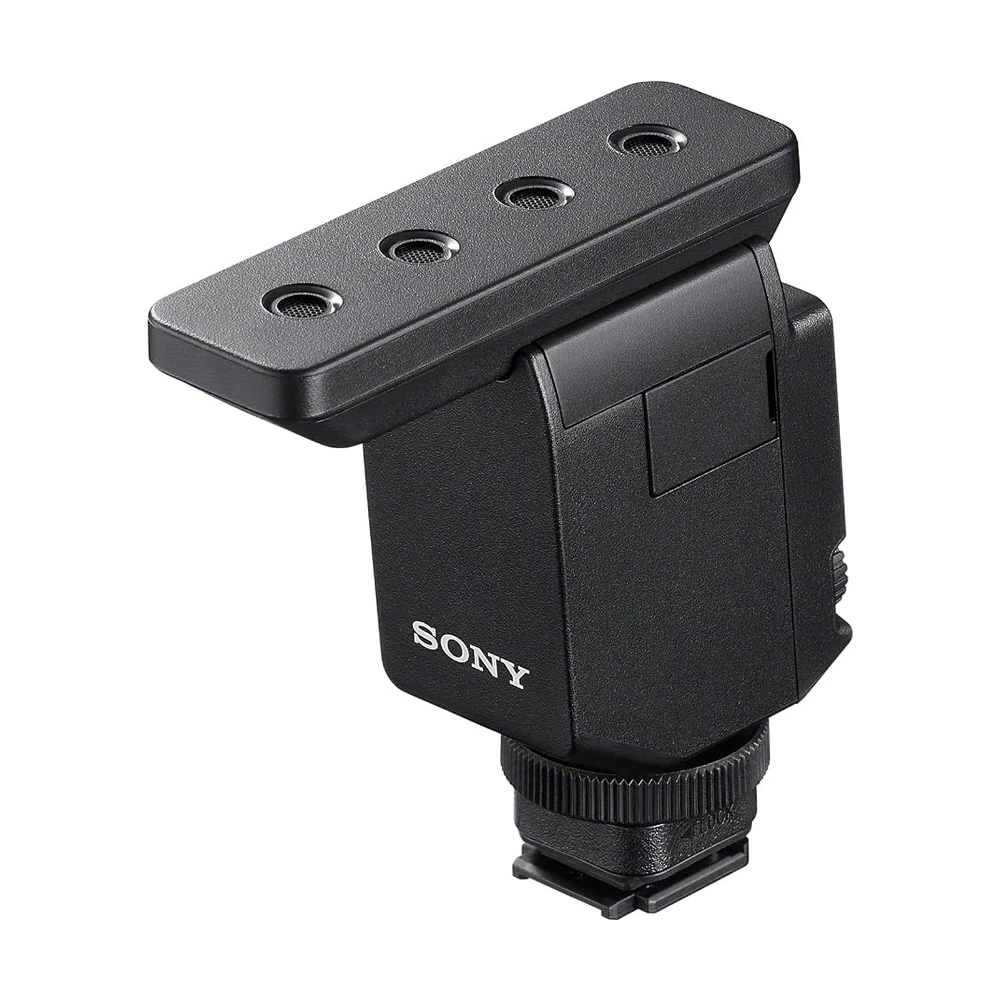
The on-camera shotgun mic I pair with the A6700. It mounts on Sony's MI shoe, with no cables and no extra battery.
Best for: Clean on-camera speech for the A6700
As an Amazon Associate I earn from qualifying purchases. Gear links go to Amazon.com and will include an Associates tag once the programme is approved.
Subscribe on YouTube for the walkthroughs. I update this toolkit every month with new tools and perks.
Affiliate disclosure: links on this page may earn me a commission if you sign up or buy, at no extra cost to you. As an Amazon Associate I earn from qualifying purchases. It never changes what I recommend. Last updated November 2026.